

For most businesses in the U.S., printing and copying needs still rank among the top five operating costs, even as workflows go digital. The initial purchase price of a Xerox printer is only the entry ticket. The real spend shows up later: toner, drums, service calls, energy costs, lease payments, and the hours your staff spends troubleshooting paper jams instead of doing their jobs.
This article is for business owners, office managers, and IT leads who want a clearer picture of what they actually pay for printer ownership. Below you’ll find simple formulas, real cost examples, and steps to calculate how much a Xerox printer costs per page for color vs black and white.
TL;DR: Xerox printer total cost of ownership includes every dollar spent over a device’s 3-5 year lifecycle: hardware, toner cartridges, drums, fusers, service visits, energy consumption, IT labor, and lease terms. Most businesses spend 3-5x the initial purchase price on ongoing costs. Managed print services can reduce printing costs by up to 30% and make monthly spend predictable.
Key Takeaways
- Total cost of ownership (TCO) for Xerox and similar laser printers equals all lifetime costs (hardware, supplies, maintenance, energy, admin, downtime) divided by total pages printed.
- Color printing typically costs 3-6x more per page than black and white once you factor in Xerox toner and drum replacement costs, fusers, and extra wear on imaging units.
- Hidden costs like IT support time, lease auto-renewal penalties, and productivity lost during device outages often rival visible expenses like toner and paper.
- Aligning device duty cycle with your average monthly print volume is one of the biggest drivers of long-term savings.
- Clear Choice Technical Services can audit your print environment and design a managed print plan to lower cost of ownership TCO.
What Is Xerox Printer Total Cost of Ownership (TCO)?
TCO is the sum of all the costs tied to a printer over its full lifecycle, typically 3-5 years. That includes the purchase price (or lease payments), setup, consumables, service and maintenance, energy consumption, IT labor, and any end-of-term fees.
For leased Xerox devices, TCO combines monthly lease payments, per-click charges, overage fees (0.02-0.05 per excess page is common), and early termination costs. Approximately 25% of TCO is the initial purchase price in some analyses; other estimates put the purchase price at roughly 40% of TCO, depending on print volume and color usage. Either way, operational costs often exceed the initial purchase price of printers.
Think of the “iceberg model”: the visible tip is hardware. Below the waterline sit hidden costs like support calls, downtime, auto-renewed maintenance contracts, and waste toner containers. A 15-user office running one color MFP and two desktop laser printers for 60 months can easily spend 15,000-25,000 beyond just the purchase price of the equipment.
How Much Does a Xerox Printer Cost Per Page (Color vs Black & White)?
Cost per page (CPP) equals total print-related costs divided by total pages printed. Color printing has a higher cost per page compared to black and white printing because it uses four toner cartridges, wears drums faster, and consumes more fuser energy per sheet.
Formula: CPP = (toner + drums + fusers + service + lease clicks) / total pages
Here are realistic CPP ranges for Xerox office laser printers under bundled service agreements:
| Metric | Black & White | Color |
| Typical CPP | $0.01 – $0.02 | $0.06 – $0.09 |
| Desktop-only CPP (no service bundle) | ~$0.03 | ~$0.12 |
| Use case | Contracts, memos, invoices | Marketing materials, presentations |
| Source: Xerox-Northeast cost-per-page calculator ranges for SMB office agreements. |
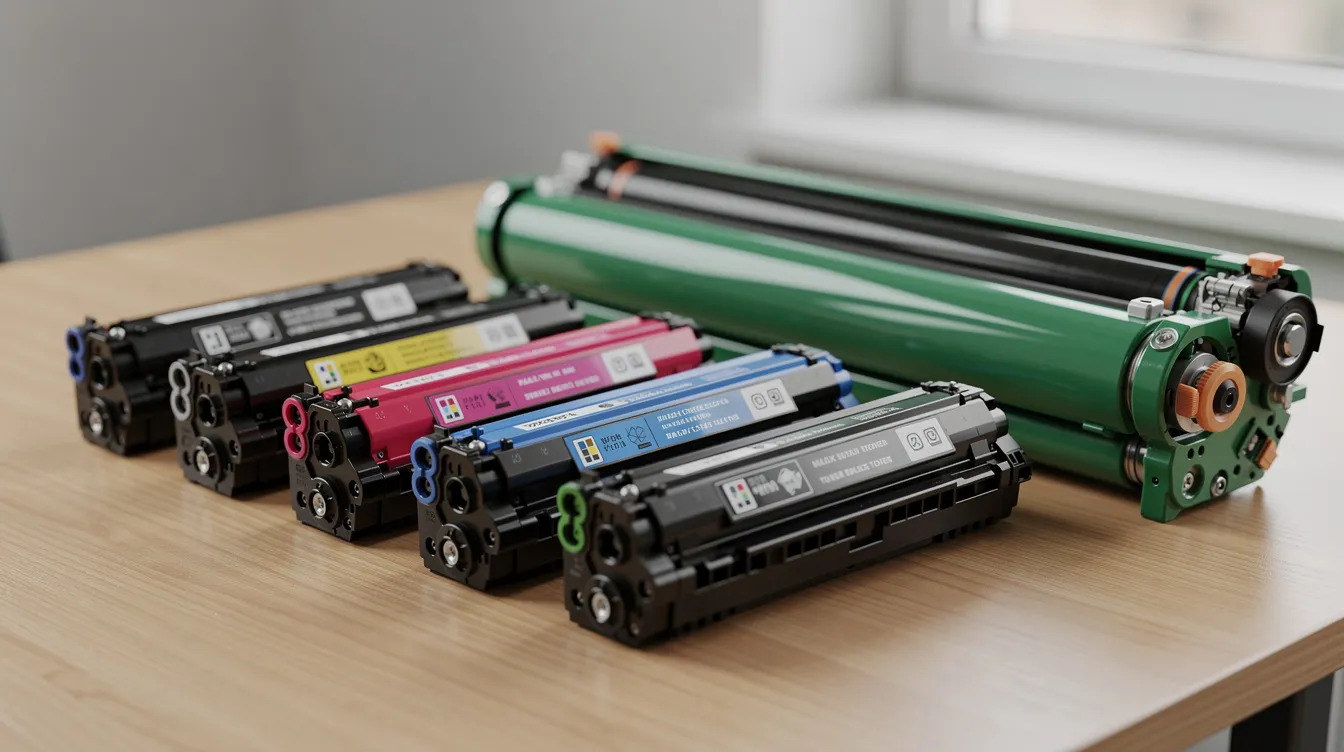
Actual coverage matters. ISO yield ratings assume 5% page coverage for mono. If your business requires marketing collateral at 20-30% coverage, toner runs out 4-6x faster. High-volume laser printers save money through efficiency and durability because high-yield toner cartridges (e.g., Xerox B410 cartridges rated at 6,000 to 25,000 pages) drop your per-page toner cost below $0.005.
What Drives the Total Cost of Ownership for Xerox Laser Printers?
Four buckets drive all the costs: consumables, service, energy, and administration.
Consumables include toner, drums, fusers, transfer belts, waste toner containers, paper, and other supplies. Toner and supplies are recurring expenses in TCO calculations and often the largest single bucket. For a Xerox AltaLink color MFP, a fuser rated for 100,000 pages costs 400-700 to replace. Drums run 300-900 depending on the device.
Service and maintenance covers break-fix repairs, maintenance kits, service manuals and parts manuals for office copiers, and managed print contracts. Maintenance costs include parts and technician visits. Regular maintenance prevents costly breakdowns and downtime; unexpected repairs can waste time and money during downtime when a copier sits idle for days waiting on parts.
Energy costs are smaller per device (often under 1% of TCO for a single unit) but add up across fleets. Xerox’s 2024 CSR report states its printers average 31% below ENERGY STAR power limits. Energy-efficient printers help reduce ongoing operational costs, and energy efficient models are worth prioritizing for multi-device offices.
Administrative overhead is the stealth category. IT support and administrative overhead contribute to the total cost of ownership: driver updates, firmware patches, network troubleshooting, security hardening, and user setup. Contracting maintenance allows IT staff to focus on critical projects instead of clearing paper jams.
Downtime caused by printer malfunctions adds hidden costs to TCO. Employees queuing, reprinting failed jobs, and waiting for service all reduce productivity.
How Do You Calculate Xerox Printer TCO and Real Cost Per Page?
To calculate TCO, gather all print-related expenses over 3-5 years and divide by expected lifetime page volume. The standard formula for TCO includes acquisition, consumables, maintenance, repairs, energy, IT costs, and downtime.
Steps:
- Gather purchase or lease contracts for every device.
- Pull meter reads to determine your average monthly print volume.
- Total all supplies and service spend (toner, drums, parts replacement, technician visits).
- Estimate energy and IT labor hours.
- Project 3-5 year totals and divide by estimated lifetime pages.
Worked example: A Xerox color MFP bought for $5,000 prints 5,000 pages/month for 5 years (300,000 total pages). Annual consumables run $1,500; service costs $800/year; energy and admin add $200/year. Total cost = 5,000+(2,500 x 5) = $17,500. CPP = 17,500/300,000=~0.058/page.
Compare that to a $400 desktop Xerox laser printer used for 500 pages/month. Over five years, toner alone costs around $1,500, giving a total of $1,900 for just 30,000 pages, or about $0.063/page. The more expensive model actually delivers the most cost effective solution at scale. High-volume printing increases total cost of ownership when devices are mismatched to workload.
Tracking supplies and usage helps identify wasteful spending. Revisit TCO whenever you sign a new copier lease, switch providers, or add workflows like bulk color printing.
Can Managed Print Services Lower Xerox Printer TCO?
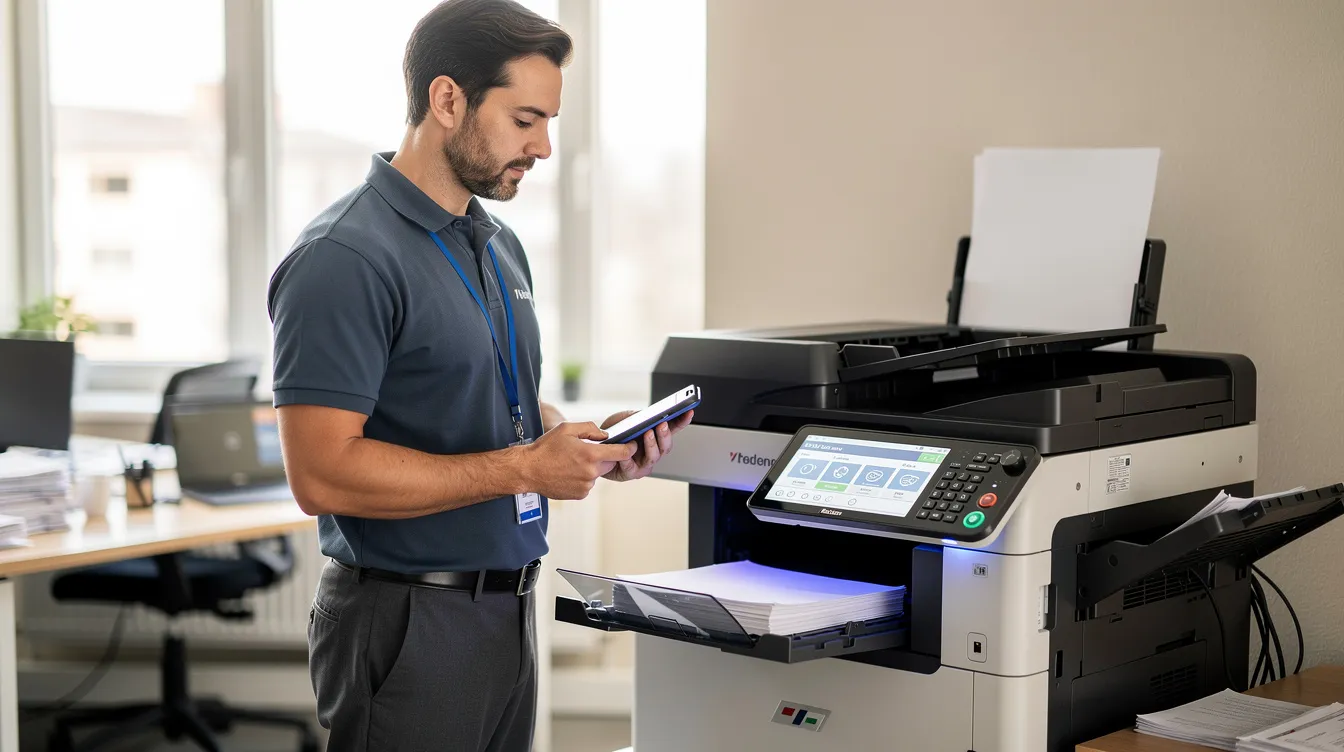
Managed print services (MPS) often cut printing costs by up to 30% while making monthly bills predictable. An MPS provider like Clear Choice Technical Services monitors devices, ships toner automatically, performs preventive copier maintenance, and right-sizes your fleet.
Maintenance and service agreements can predictably cover repair costs and supplies in TCO. MPS can bundle costs into predictable pricing structures, replacing surprise repair bills with a flat per-page or monthly fee. This approach eliminates redundant desktop color printers, reduces unclaimed print jobs, and cuts the IT hours your team spends on printer repair.
MPS also addresses security: firmware updates, user authentication, secure print release, and integration with remote IT support. Duplex printing policies enforced through MPS can lower paper and toner costs by 15-30% alone.
How Copier Leases, Early Termination, and Auto-Renewals Affect TCO
Lease terms, early-exit penalties, and auto-renew clauses can inflate xerox printer total cost of ownership if you miss a deadline or sign without reading the fine print. Leasing helps conserve capital and reduces equipment obsolescence, and leasing options provide fixed monthly payments for budgeting. But the fine print carries risk.
Common Xerox MFP leases run 36, 48, or 60 months with separate base payments and per-click charges.
Can you get out of a copier lease early without paying? Rarely. Early termination fees typically equal 75-95% of remaining payments plus the machine’s residual value. If you have 24 months left at $300/month, expect a buyout around 5,400-6,840 plus removal fees. Purchasing may lead to higher long-term operational costs, but at least you avoid being locked in.
What to do when your copier lease auto-renews: Most contracts require written non-renewal notice 90-120 days before the term ends. Miss that window and you may be locked into another 12-60 months. Mark the notice date on your calendar, send certified mail, and coordinate replacement equipment before the rollover date.
Clear Choice Technical Services can review existing contracts, flag auto-renewal windows, and plan transitions that lower long-term cost of ownership TCO.
Conclusion & Next Steps with Clear Choice Technical Services
Xerox printer total cost of ownership goes far beyond the purchase price. Toner, drums, service, and lease terms decide what you really pay, and color printing and auto-renewing contracts are where most budgets leak.
The fix is simple: know your page volume, calculate your cost per page, and read your lease before it renews.
Ready to stop overpaying for printing? Clear Choice Technical Services of Albuquerque helps businesses choose fast, reliable copiers with a lower cost per page. We compare toner yields, service costs, and lease terms for you, so the price you pay up front matches what you pay over time.
Call Clear Choice Technical Services of Albuquerque at (505) 226-7177 for a free quote on the right model for your print volume. Ask about a free demo trial, too, so you can test speed and print quality before you commit.

